5 Tools Experienced React Developers Should Try in 2026


If you’ve been working with React for a while, your stack is probably already in a good place. You’re not looking for yet another state library or a new way to style buttons. Most of the common problems are already solved, and the ecosystem has settled around a handful of reliable defaults.
What tends to change at this stage is not what you use, but where the friction shows up. It’s no longer about getting things to work. It’s about reducing the amount of coordination between layers, avoiding performance work that feels repetitive, and keeping systems understandable as they grow.
The tools worth exploring now tend to focus on those edges. They don’t replace React, but they reshape the parts around it that still feel heavier than they should.
TanStack Router
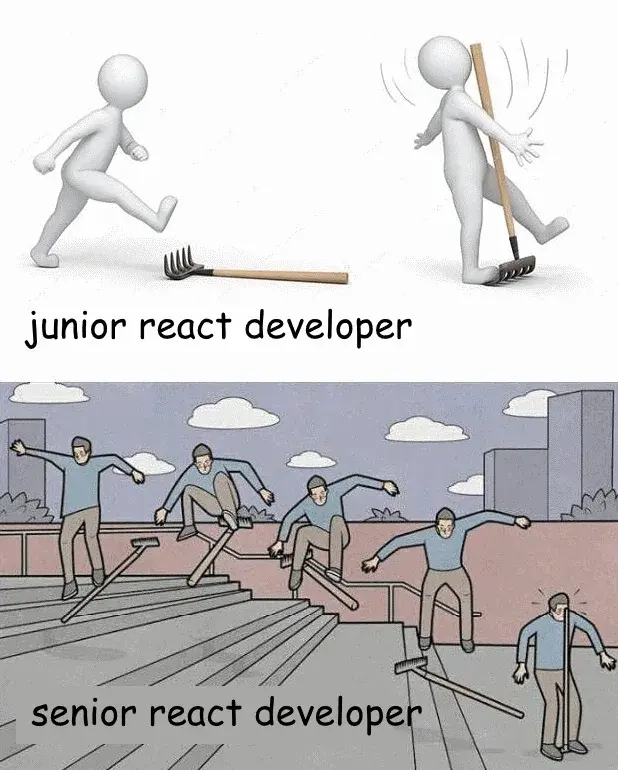

Routing often starts simple and gradually turns into something harder to reason about. Once data fetching, loading states, and error handling enter the picture, the router becomes more than just a mapping between paths and components.
TanStack Router leans into that complexity instead of hiding it. Routes are treated as structured units that can define their own data requirements, loading states, and boundaries. The result feels closer to how backend routing works, where a route describes not just where you go, but what needs to happen before you get there.
One thing that stands out is how naturally it integrates with data fetching. Instead of scattering logic across hooks and components, data can be tied directly to routes, which makes transitions easier to reason about. Type safety also plays a bigger role here, especially in larger applications where navigation and data dependencies tend to drift apart over time.
It’s not necessarily a drop-in replacement for every project, but in applications where routing logic has become tangled, it offers a cleaner mental model.
tRPC

The boundary between frontend and backend has always been a source of duplication. Types get redefined, API contracts drift, and even well-structured systems require some level of synchronisation across layers.
tRPC takes a more direct approach by removing that boundary altogether. Instead of defining endpoints and then consuming them, you call backend procedures as if they were local functions, with full type inference across the entire stack.
What makes this approach compelling is not just the reduction in boilerplate, but the way it changes development flow. You no longer think in terms of “API shape first, then client integration.” The two evolve together. For teams already working in TypeScript across the stack, this can simplify a surprising amount of everyday work.
There are trade-offs, especially in systems that need strict separation between services or public APIs. But in internal tools, dashboards, and full-stack apps owned by a single team, it can remove a layer that often feels heavier than it needs to be.
Biome

Tooling tends to accumulate quietly. ESLint, Prettier, plugins, configs, overrides — it all works, but it rarely feels simple. Keeping everything aligned across projects can take more effort than expected, especially when rules conflict or performance starts to lag in larger codebases.
Biome takes a different approach by collapsing several responsibilities into a single tool. Linting and formatting live in one place, with a focus on speed and minimal configuration. The experience is noticeably faster, particularly in larger repositories where traditional setups can slow down both editors and CI pipelines.
What makes it worth exploring isn’t just consolidation, but consistency. With fewer moving parts, there’s less room for drift between projects or environments. Teams don’t have to spend as much time maintaining tooling, which tends to become more valuable as the codebase grows.
Adopting it doesn’t require a full rewrite of your setup either. It can be introduced gradually, replacing parts of an existing toolchain without forcing a complete switch on day one.
It’s a small shift on the surface, but it addresses a category of friction that most teams simply get used to — and rarely question.
why‑did‑you‑render (and other rendering analysis tools)

Most React applications never hit serious rendering limits, but when they do, the usual advice starts to feel repetitive: memoise more, virtualise lists, avoid unnecessary state updates. These techniques work, but they don’t fundamentally change how rendering behaves — and it’s easy to waste time optimising the wrong things.
Why-did-you-render takes a different angle. Instead of introducing a new rendering layer or bypassing React’s reconciliation, it helps you detect when components render unnecessarily. It hooks into React (via a dev‑only setup) and logs detailed information about hooks, props, and state changes that cause re‑renders. That makes it incredibly useful for identifying actual performance problems instead of guessing where they might be.
What makes it valuable isn’t that it magically speeds up rendering, but that it helps you focus your optimisation efforts where they truly matter — reducing wasted work instead of blindly applying memoisation or abstraction patterns.
It works with plain React components, doesn’t require a custom reconciler or compiler, and can be dropped into existing codebases with minimal configuration. For teams struggling to understand render behaviour in large trees, the insights it provides can yield performance improvements far greater than micro-optimisations.
It’s not something you ship to production — it’s a diagnostic tool — but by making unnecessary work visible, it gives you a new handle on performance without changing how React fundamentally works.
Nx (and modern monorepo tooling)

As projects grow, the challenges tend to move away from individual components and toward the structure of the codebase itself. Multiple applications, shared libraries, and internal tooling start to interact in ways that are difficult to manage without some form of organisation.
Nx addresses this by making relationships between parts of the system explicit. Instead of treating the repository as a flat collection of projects, it understands dependencies and uses that information to optimise builds, tests, and development workflows.
One of the more practical benefits is how it reduces unnecessary work. When only a small part of the system changes, only the affected pieces need to be rebuilt or tested. In larger codebases, that can make a noticeable difference in both local development and CI/CD pipelines.
There’s also a structural aspect to it. Nx encourages a way of organising code that makes boundaries clearer, which tends to pay off as teams grow and projects evolve.
Where These Tools Fit
None of these tools is essential in the way that a framework or a build tool might be. You can build and ship applications without them. The reason they’re worth exploring is that they address areas where experienced developers tend to feel friction after the basics are already in place.
They reflect a broader shift in the ecosystem. Instead of adding more layers, there’s a growing effort to remove unnecessary ones, or at least make them less visible. Routing becomes part of the data flow. APIs feel closer to function calls. Performance optimisation moves into the compiler. Build systems become aware of what actually changed.
Individually, each tool solves a specific problem. Together, they point toward a way of working where less time is spent managing the glue between parts of the system, and more time goes into the parts that actually matter.
That shift tends to have a bigger impact than any single library choice.

Optimize with ZEN's Expertise
Upgrade your development process or let ZEN craft a subsystem that sets the standard.
Custom software, built and run
Applications that follow your process, not the other way round. From first sketch to production, and we keep them running after that.
Read more:

In 1988 a student took down a tenth of the internet. What did we do next?
In November 1988 a student at Cornell wrote a small program to count how many computers were on the internet. A bug took...

My AI Agent Works Through the Night. It Just Can't Decide Anything.
Since August, an agent runs every weekday at half past seven, reads our open merge requests and forms an opinion on each...

48 major outages in twelve months. What is going on at GitHub?
Eight hours down in a single afternoon, 48 major outages in a year, and the largest cause is capacity. On GitHub becomin...

What you're missing with AI agents is rarely a tool
I have been running several AI agents side by side for months. After five hours of DHH on programming with agents, my to...
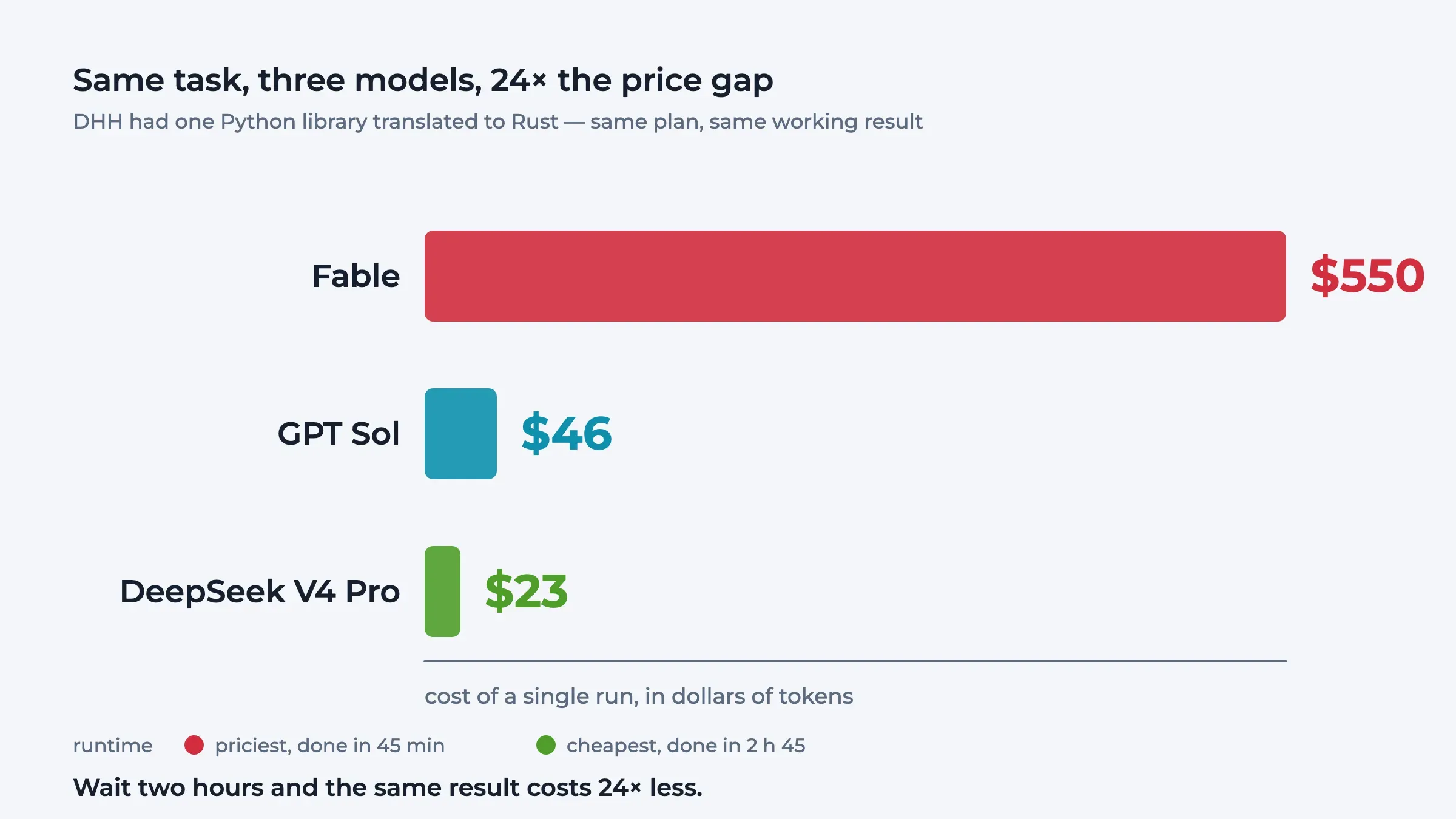
The creator of Ruby on Rails doesn't write code any more
The creator of Ruby on Rails no longer writes a line of code himself and drives sixteen agents at once. From five hours ...
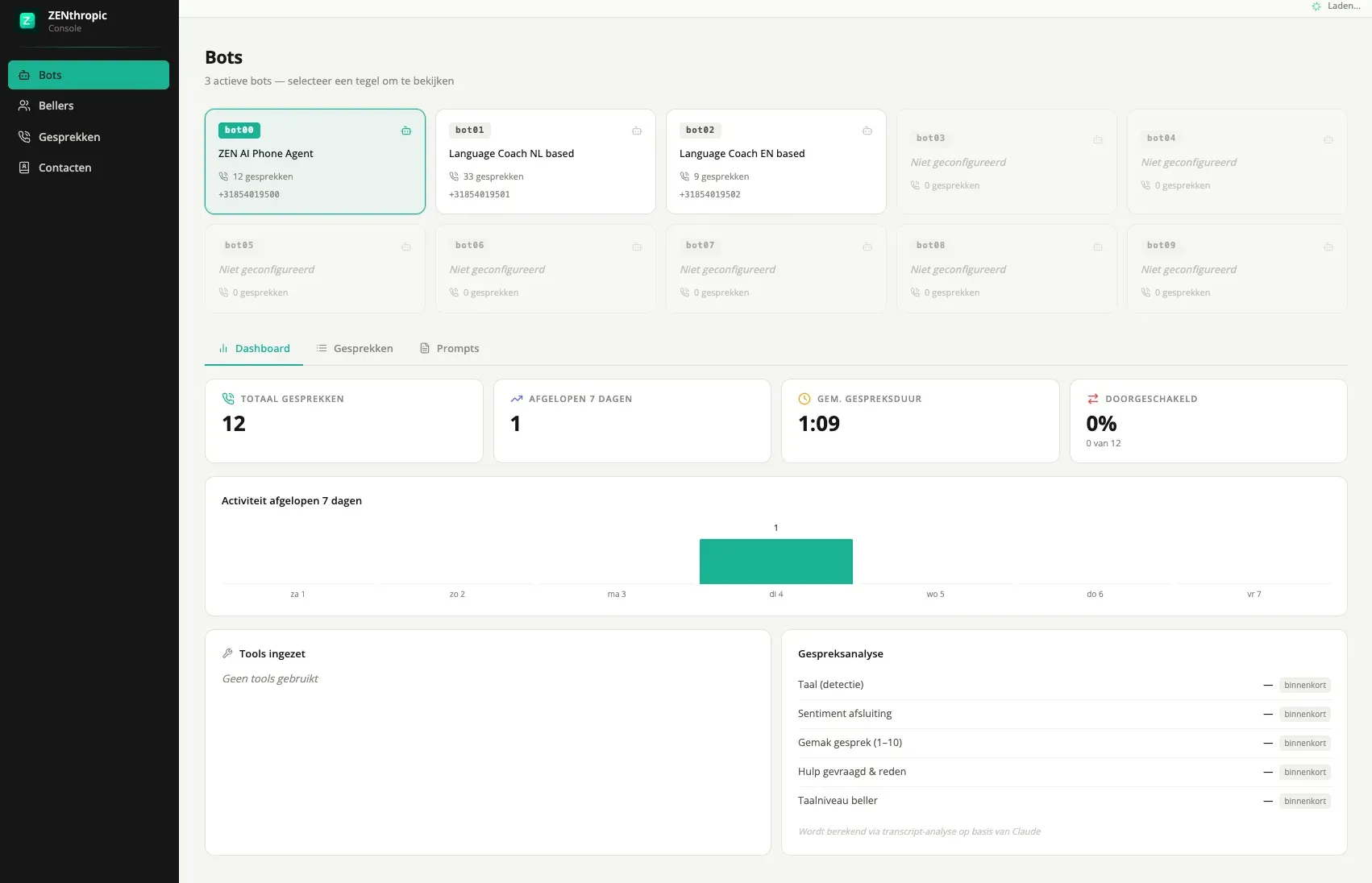
Zenthropic: AI phone agents that pick up 24/7
The phone rings outside office hours, during an incident, or exactly when everyone is in a meeting. Zenthropic puts an A...